

The dental AI market has fractured into multiple categories, and picking the right system for your practice or DSO requires understanding what you’re actually buying, what you’re trying to solve, and what trade-offs matter for your specific situation.
This guide cuts through the noise. We’ve analyzed the market category by category and built a framework to help you evaluate systems fairly and make a decision that actually improves your business.
Market Overview: Where We Are in 2026
Dental AI has moved from “interesting experiment” to “operational necessity” in the last 18-24 months. Three distinct things happened:
First, AI language models got good enough that they can handle actual patient conversations—not just FAQs, but nuanced scheduling, insurance questions, treatment discussions. The technology works.
Second, healthcare compliance infrastructure matured. SOC2 Type II became table stakes. HIPAA integration became standard. Privacy and security issues that were barriers 24 months ago are now solved problems.
Third, DSOs started measuring the actual financial impact of missed calls and inefficient reception. They realized: we’re losing millions in revenue because our phones aren’t being answered. AI receptionist isn’t a nice-to-have anymore—it’s a financial recovery system.
But the market is still chaotic. You have: point solutions (answering calls only), fragmented systems (calls + outbound but no integration), specialized systems (focused on one language or one feature), and integrated systems (designed as the central nervous system of your practice operations).
Which category is right for you depends on what problem you’re actually trying to solve.
The Five Categories of AI Receptionist Systems
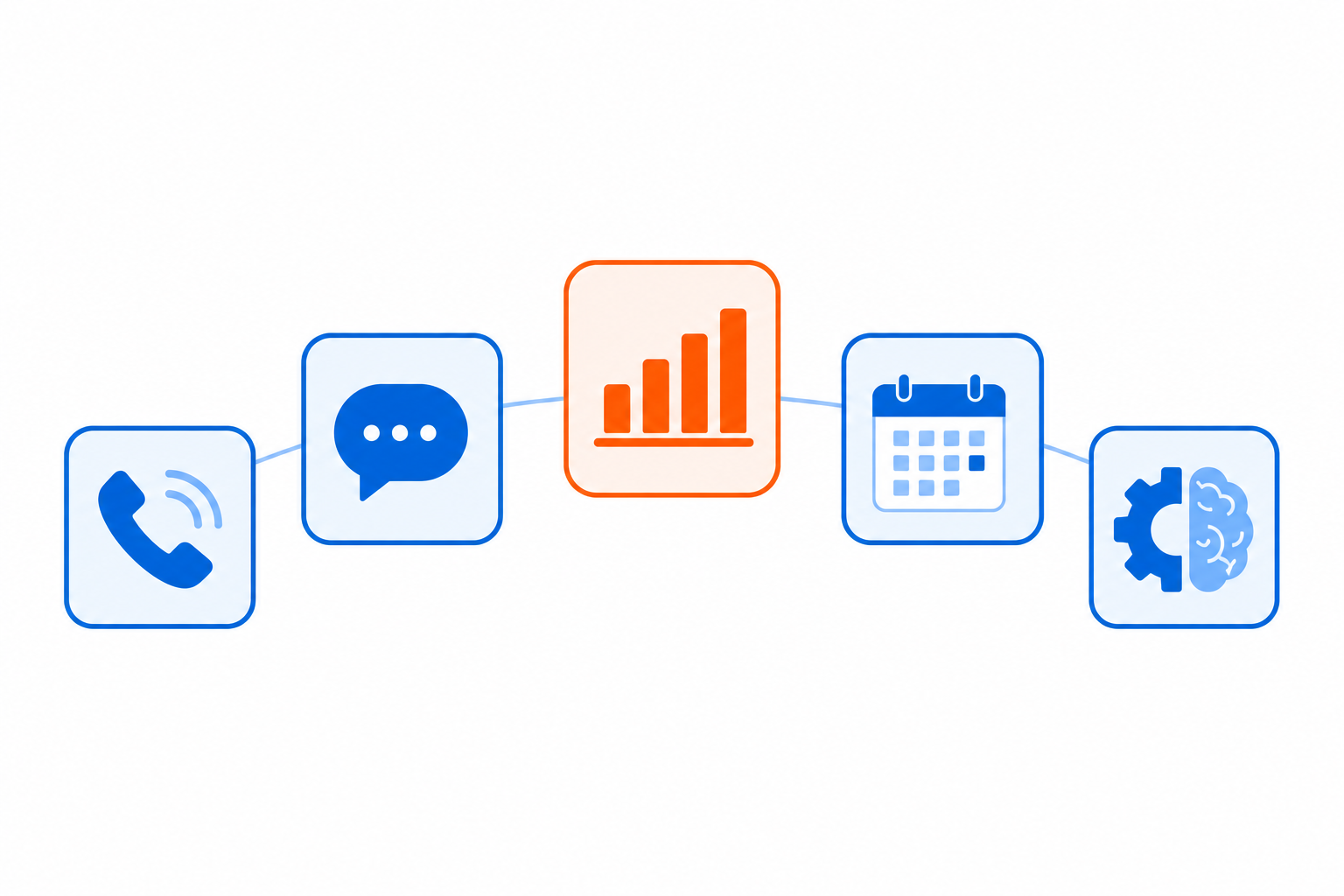
Category 1: Point Solution – Call Answering Only
What it does: Answers inbound calls. Captures basic information. Either books appointments directly into your practice management system or transfers qualified leads to your staff.
Architecture: Standalone system. Minimal integration. Works as a phone line replacement.
Best for: Small practices (1-5 locations) that are drowning in inbound call volume and need immediate relief. Minimal implementation time. Quick payback.
Strengths: Simple. Fast to deploy. Solves one problem really well. Low price point.
Weaknesses: Doesn’t work with outbound. Creates an isolated data silo. Can’t do patient reactivation or proactive outreach. Requires manual data entry if your practice management system isn’t directly compatible. Doesn’t learn from your other operational systems.
Financial model: Typically $500-800/month per practice. Payback on missed call recovery: 4-8 weeks for high-volume practices.
Category 2: Omnichannel – Inbound + Outbound But Isolated
What it does: Answers inbound calls AND makes outbound calls. Can do appointment reminders, reactivation campaigns, no-show follow-up. Works both directions.
Architecture: Separate system from your practice management. Integration is via API or data sync, but the AI operates independently. You manage call campaigns in one dashboard, patient data in another.
Best for: DSOs (10-40 locations) that want to handle both call volume and patient reactivation. You need to recover revenue from missed calls AND re-engage inactive patients.
Strengths: Works both inbound and outbound. Handles appointment reminders at scale. Can do reactivation campaigns. Better ROI because you capture both call volume AND patient retention.
Weaknesses: Your practice management system doesn’t “know” about outbound campaigns. You have data in two places. You can’t easily see how inbound and outbound interact. Staff has to manage multiple dashboards. The cost of fragmentation across your tech stack compounds over time.
Financial model: Typically $1,500-2,500/month per DSO (blended rate for inbound + outbound). Payback: 3-5 months on call recovery + patient reactivation.
Category 3: Analytics-First – Data and Insights Focused
What it does: Emphasizes reporting, analytics, and insights about what’s happening in your practice operations. Handles some call answering, but focuses on showing you patterns—which appointments are being missed, which insurances are causing problems, which languages are underserved.
Architecture: Designed to integrate deeply with your practice management system. Pulls data from multiple sources. Shows you dashboards and reports about your business.
Best for: Large DSOs (30+ locations) that want visibility into what’s happening across all locations. You want to see patterns, identify problems, and optimize operations. You’re willing to invest in understanding your data.
Strengths: Gives you visibility into operations across all locations. Shows you where problems are. Helps you make better decisions. Integrates with practice management systems you already own.
Weaknesses: Heavy on reporting, lighter on doing. Still requires human action to fix problems the data identifies. May not excel at the actual call handling—optimized for analysis rather than patient experience. Implementation is complex because it requires deep integration.
Financial model: Typically $2,000-4,000/month per DSO. Often requires professional services for integration. Implementation timeline: 8-12 weeks.
Category 4: Healthcare-Specialized – HIPAA and Compliance Focused
What it does: Built specifically for healthcare. Understands HIPAA, patient privacy, healthcare compliance. Handles secure communication. Built with healthcare workflows in mind.
Architecture: Purpose-built for healthcare. Security and compliance are baked in from the architecture, not bolted on. Integration with EHRs and practice management systems is built in.
Best for: DSOs that are serious about healthcare compliance. You’re managing practices across multiple states with different privacy laws (like California). You want SOC2 Type II certification and healthcare-specific security. You don’t want to gamble on regulatory risk.
Strengths: Built for healthcare, so compliance is native, not afterthought. Understands patient privacy. Can handle complex healthcare workflows. Integrates cleanly with healthcare systems. Audit trail is built in.
Weaknesses: May be overspecialized if you’re a small practice that doesn’t need enterprise compliance. Higher price point because the infrastructure is more complex. Longer implementation.
Financial model: Typically $2,000-5,000/month per DSO depending on size and complexity. Payback period: 3-4 months on call recovery, plus compliance cost avoidance.
Category 5: All-in-One Operating System – Integrated Platform
What it does: Designed as an operating system, not a tool. Handles inbound calling, outbound calling, scheduling, insurance verification, data integration, analytics, staff management. Connects to your practice management system and makes it smarter. Provides a unified dashboard to manage all operations across all locations.
Architecture: Built as a central nervous system. Everything flows through it. Your practice management system sees better data because the AI pre-qualified it. Your insurance verification is faster because the AI gathered the information cleanly. Your staff sees what matters because the AI is intelligent about prioritization.
Best for: Fast-growing DSOs (15-50+ locations). You’re scaling rapidly. You need operational consistency across all locations. You need to manage complexity without hiring proportional management staff. You want your AI to improve every system it connects to, not operate in isolation.
Strengths: Designed for scale. Handles inbound, outbound, integration, analytics all in one system. Reduces staff dependency because the AI is designed to be your operational leverage point. Improves every system it connects to (practice management, marketing, finance). Enables you to scale from 1 location to 50+ without exploding administrative overhead. Incorporates emotional intelligence so interactions feel natural and patient-centered. Supports 100+ languages with zero per-location configuration.
Weaknesses: More complex to understand and evaluate because it does more. Higher price point. Longer implementation because you’re integrating more. Requires buy-in from your entire team because it touches everything.
Financial model: Typically $3,000-6,000/month per DSO depending on scale and complexity. But ROI is typically 6-9 months because the system recovers call volume, enables patient reactivation, reduces staff dependency, and improves data quality across your operations.
Category Comparison Table
| Feature | Point Solution | Omnichannel Isolated | Analytics-First | Healthcare-Specialized | All-in-One OS |
|---|---|---|---|---|---|
| Inbound Call Answering | Yes | Yes | Yes | Yes | Yes |
| Outbound Calling | No | Yes | No | Limited | Yes |
| Practice Management Integration | Basic | API-based | Deep | Native | Native & Central |
| Multilingual (100+) | Limited | Yes | Limited | Yes | Yes, Zero Config |
| Emotional Intelligence | No | Basic | No | Yes | Yes |
| HIPAA/Healthcare Compliance | Basic | Standard | Yes | Native | Native |
| Centralized Reporting | No | Limited | Yes | Yes | Yes, Advanced |
| Multi-Location Management | No | Limited | Yes | Yes | Yes, Primary Focus |
| Price/Month (per DSO) | $500-800 | $1,500-2,500 | $2,000-4,000 | $2,000-5,000 | $3,000-6,000 |
| Implementation Time | 1-2 weeks | 2-4 weeks | 8-12 weeks | 4-8 weeks | 3-6 weeks |
| Payback Period | 4-8 weeks | 3-5 months | 4-6 months | 3-4 months | 2-3 months |
How to Evaluate Systems in Your Category
For Point Solution Buyers:
Ask these questions:
- Can it actually book appointments directly into my practice management system, or does it just capture information?
- What happens if it can’t understand the patient? Does it transfer cleanly to my staff?
- Can I track performance? (Calls answered, appointments booked, patient satisfaction)
- What’s the implementation actually like? What breaks in my workflow?
- If I grow to multiple locations, can I expand, or do I need to switch systems?
For Omnichannel Buyers:
Ask these questions:
- How does the inbound system talk to the outbound system? Is it one unified system or two separate systems pretending to be unified?
- Can I see the relationship between inbound call patterns and outbound campaign response? Can I see which patients called inbound and then got called by outbound?
- Who owns the data? Can I export it? What happens if I leave?
- How are language capabilities handled? Can I target different languages for outbound?
- What’s the staff experience? Do they have to log into multiple systems?
For Analytics-First Buyers:
Ask these questions:
- How long is implementation actually going to take? Vendors say 8 weeks—ask for references and verify.
- What data sources does it pull from? If I use a practice management system you don’t natively support, what happens?
- Can the system actually DO things or just report on them? (Big difference.)
- What happens to the analytics if your integration breaks?
- How often are reports refreshed? Real-time or batch?
For Healthcare-Specialized Buyers:
Ask these questions:
- Show me your SOC2 Type II attestation. Is it current? Who’s your auditor?
- What’s your data privacy policy? Where is data stored? How is it encrypted?
- If I operate in California, how do you handle CCPA requirements?
- If there’s a data breach, what’s your notification protocol?
- Can you handle pediatric patients? Are there special protocols for HIPAA compliance with minors?
For All-in-One OS Buyers:
Ask these questions:
- Show me how it works end-to-end. How does a call flow from patient to answer to booking to follow-up?
- How does it integrate with my practice management system? Is it read/write, or just read?
- Can I manage different locations with different configurations? Or is it one-size-fits-all?
- What’s the learning curve for staff? How long until they’re productive?
- Show me the dashboard. What can I see? What can I change from there?
- How does it handle edge cases? What happens when it doesn’t understand?
- Give me references. Can I talk to a DSO running 25+ locations?
The Financial Evaluation Framework
Don’t just look at monthly cost. Look at total financial impact:
Revenue Recovery: How many missed calls are you currently getting? (Estimate: call volume × (100% – your current answer rate)). How many of those would convert to booked appointments if you answered? (Conservative: 20-25%). What’s the treatment value? (Ask your team.) That’s your baseline opportunity. A system that captures even 50% of that opportunity has ROI you can measure in weeks, not months.
Staff Efficiency: How much time do your receptionists spend on administrative work (scheduling, insurance verification, confirmation calls) versus patient relationship? An AI that handles 60-70% of the administrative work means you need fewer receptionists or your receptionists can focus on higher-value work. Calculate your avoided hiring cost. That’s real money.
Compliance and Risk: What’s the cost of a HIPAA violation or data breach? What’s the cost of operating in a state like California without understanding CCPA? What’s the risk of losing patients because you can’t serve them in their language? A healthcare-specialized system reduces this risk. Calculate the value of that.
Growth Enablement: Can you add locations without adding proportional reception staff? That’s multiplier economics. A platform designed for scale (categories 4-5) should enable you to go from 10 to 20 locations without doubling your reception headcount. Calculate the staff savings of that.
Total impact is usually: revenue recovery + staff efficiency + compliance risk reduction + growth enablement. That’s your true ROI.
Viva answers the demo line itself — call or text (866) 944-8482, or book a full platform tour.
Which Category Is Right for You?
Use Point Solution if: You have 1-5 locations. Your main problem is answering inbound calls. You want simple, fast, cheap. You’re not worried about outbound, integration complexity, or scaling.
Use Omnichannel if: You have 5-20 locations. You want to handle both call volume and patient reactivation. You’re willing to manage some systems integration. You want better ROI than point solution but don’t need full operating system.
Use Analytics-First if: You have 20+ locations. You want visibility into operations across all locations. You’re willing to invest in implementation. You want to make decisions based on data, not gut feel.
Use Healthcare-Specialized if: You’re operating across multiple states with different privacy laws. You’re serious about compliance. You want native healthcare integration. You have risk-averse leadership.
Use All-in-One OS if: You’re planning to scale 1-50 locations. You want one system that gets better at every task instead of adding multiple specialized systems. You want your AI to be your operational leverage point. You want to compete on service, speed, and patient experience while keeping administrative overhead down.
Implementation Red Flags to Watch
Whatever category you choose, watch for these red flags:
- Unclear integration: If the vendor can’t clearly explain how the system integrates with your practice management system, walk away. Integration is where everything breaks or everything works.
- No references in your state: Ask for references. Specifically, ask for references in your state that are similar size to you. If they can’t provide them, why not?
- Vendor owns your data: You should be able to export your data in a standard format. If you can’t, you’re locked in. Lock-in always costs you eventually.
- No compliance documentation: Ask for SOC2 reports, HIPAA attestation, CCPA documentation. If they’re vague or say “we’re working on it,” be cautious.
- Implementation takes longer than promised: If the vendor says 2 weeks and then it’s actually 8 weeks, that’s a culture indicator. It’ll happen with future updates too.
- Requires replacement of your existing systems: If the vendor says you have to replace your practice management system to use their solution, run. You should be able to integrate, not replace.
- No clear success metrics: Before you sign anything, agree on success metrics. How many calls should we be answering? How many appointments should we be booking? What’s our target patient satisfaction score? If the vendor won’t commit to metrics, they’re not committed to your success.
Building Your Evaluation Scorecard
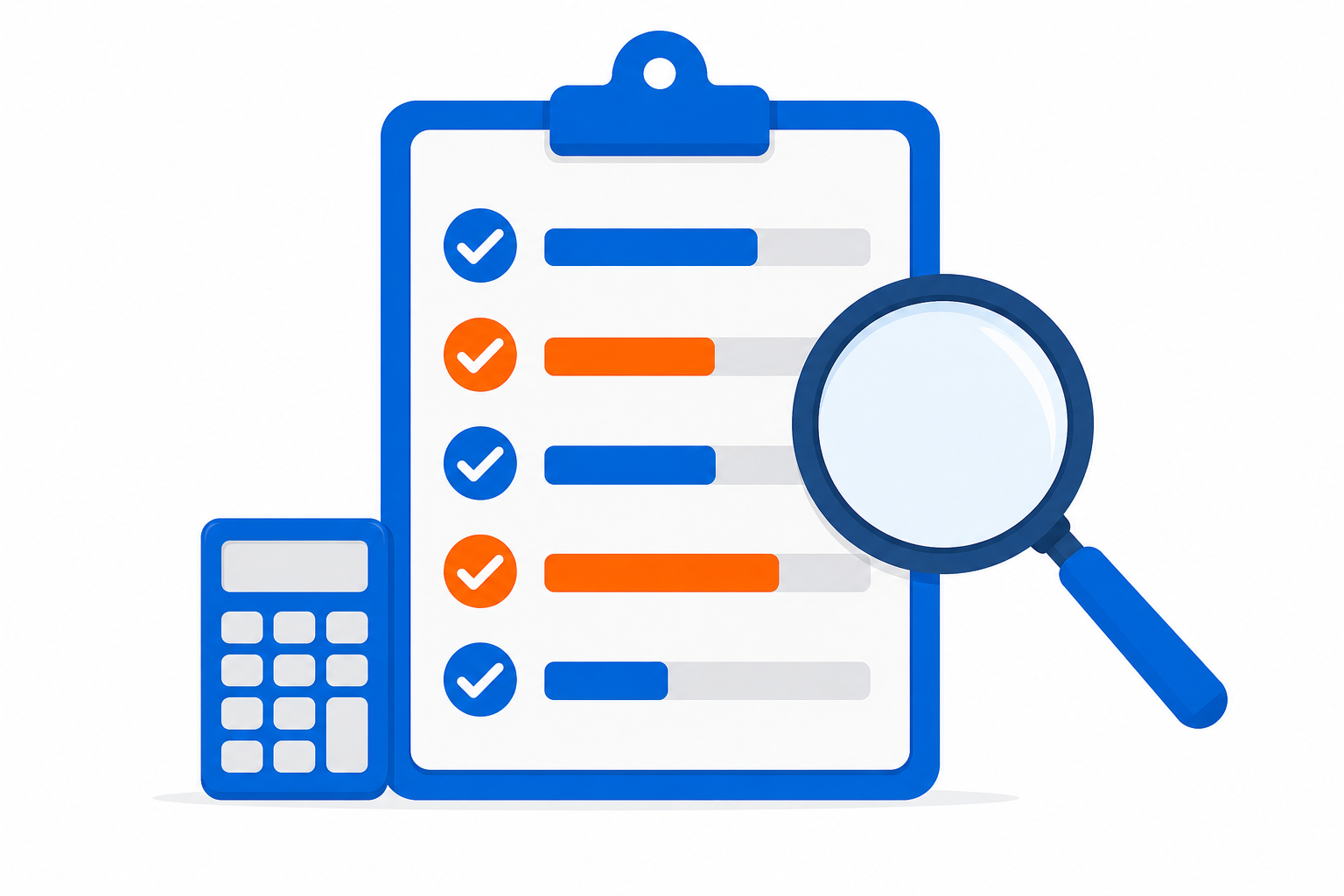
Create a spreadsheet. Rows are features and capabilities. Columns are vendors. Score each on a scale of 1-10 (1 = doesn’t do this, 10 = does this perfectly). Weight each feature based on how important it is to you.
Required features (weight 3x):
- Integrates with my practice management system
- Answers calls and books appointments
- Compliance (HIPAA, state-specific privacy laws)
- Clear pricing and no hidden fees
- Available in my state (local references)
Important features (weight 2x):
- Handles my languages
- Can scale to my growth plans
- Outbound capability
- Centralized management dashboard
- Emotional intelligence in conversations
Nice-to-have features (weight 1x):
- Advanced analytics
- Custom branding
- Integration with marketing automation
- Staff performance reporting
Total each vendor’s weighted score. The highest score is your best fit.
The Vendor Conversation You Actually Need to Have
Don’t just listen to their pitch. Ask them to show you how they’d handle your specific situation:
- Show me the call flow. Take one of your actual patient calls and walk me through what happens. From “patient calls in” to “appointment booked.”
- Show me edge cases. What happens when the patient speaks a language you don’t support fluently? What happens when the patient asks about insurance you don’t accept? What happens when the patient is angry or frustrated?
- Show me your staff experience. How does my staff interact with this? What dashboard do they see? What takes them 30 seconds versus 10 minutes?
- Show me the data. After running for 3 months, what data do I have? Can I see call patterns? Can I see which staff member is performing well? Can I see which appointments are being missed?
- Show me the scale. You said I can manage 50 locations. Show me a customer who actually does. How do they manage it? What’s their dashboard look like?
- Show me the worst day. What happens when your system goes down for an hour? What happens when the patient has a really complex insurance situation? What happens when the patient doesn’t speak English and it’s a language you only partially support?
If the vendor can’t clearly answer these questions, keep looking.
The True Cost of Wrong Choice
Picking the wrong system category for your DSO size/stage is expensive:
Too simple: You outgrow it in 6 months. You have to migrate to a new system (massive disruption) or you operate with a system that doesn’t scale. Either way, you lose 3-4 months of productivity and incur migration costs.
Too complex: You implement a system for 50 locations when you have 8. You spend 12 weeks implementing features you don’t need. You confuse your staff with capabilities they’re not ready for. You stop using the system because it’s too hard. You’ve paid the cost but aren’t getting the value.
Wrong integration: You pick a system that doesn’t integrate cleanly with your practice management system. Now your data is in two places. Your staff is manually entering data. You’re defeating the purpose of having AI. You lose productivity, not gain it.
Compliance mistake: You pick a system that doesn’t understand healthcare compliance. It works fine for 6 months. Then you get a HIPAA audit question or you operate in California and realize CCPA compliance is a problem. You scramble to fix it. Best case: expensive remediation. Worst case: fines.
The most expensive choice isn’t the most expensive system—it’s the wrong system for your situation.
Getting Started: Your 30-Day Evaluation Plan
Week 1: Understand your baseline. How many calls do you get per day? What’s your current answer rate? How many appointments does your staff schedule daily? What’s your show rate? What’s your no-show rate? Write these down. You’ll measure improvement against these.
Week 2: Identify your category. Based on your DSO size and stage, which category are you looking at? Get 3-4 vendor demos in that category. If you’re 15+ locations and growing, I’d lean toward All-in-One OS. If you’re 5-15 locations, look at Omnichannel. If you’re single-location or 2-3, Point Solution is fine.
Week 3: Deep dive on top 2. Ask the detailed questions above. Get references. Talk to existing customers. Ask about implementation timeline and challenges. Ask about their roadmap—where are they going? Will they abandon you if they pivot?
Week 4: Pilot if possible. Many vendors will do a 2-week pilot. Test it with your real patients. Measure: call answer rate, appointment booking rate, staff time saved, patient feedback. Did it work?
After 30 days, you should know your best fit.
Why Category Matters More Than Vendor
Here’s the truth: within a category, vendors are often more similar than different. Two “Omnichannel Isolated” systems are probably 80% the same. What matters is picking the right category for your situation.
Because if you pick the right category, you’ll see ROI in 2-4 months. If you pick the wrong category, you’ll struggle for 6-12 months and then finally migrate.
The category is the strategic decision. The vendor is the implementation decision. Get the strategy right first.
Why All-in-One OS Is Usually Best for Growing DSOs
If you’re planning to scale from 10 to 30+ locations over the next 3 years, here’s what happens with different categories:
Point Solution: You outgrow it. You migrate. Pain.
Omnichannel Isolated: It works but your tech debt increases as you add locations. Each location generates more data, more campaign complexity, more integration problems. Your IT person spends more time on system maintenance, less time on improvements.
All-in-One OS: You add locations and the system scales with you. You get better at managing all locations at once instead of managing each location separately. Your IT person spends less time on maintenance, more time on optimization. By location 30, you’re so much more efficient than competitors using smaller systems that it’s not even close.
That’s the leverage point of a real operating system. It doesn’t just work when you’re small—it gets better as you grow.
Final Recommendation
If you’re a DSO with 15+ locations or ambitions to grow to 50+, spend time evaluating comprehensive buyer’s guides and all-in-one systems. It’s worth 3-4 weeks of evaluation time because the 3-year payoff is so substantial.
If you’re 5-15 locations, look at omnichannel systems. You want inbound + outbound, but you’re not at operating system complexity yet.
If you’re under 5 locations, point solution is fine. Simple, fast, cheap, payback in weeks.
But regardless of category, the basics are the same: understand your baseline, ask the right questions, get references, pilot if you can, measure results. And when you’re ready to move forward with Viva’s approach, start with a signup and see how it transforms your operations.
The AI receptionist market is mature now. The technology works. The compliance is solved. The only question is: which system architecture fits your business best?
Pick the right one, and you’ll look back in 2 years and wonder how you ever operated without it.